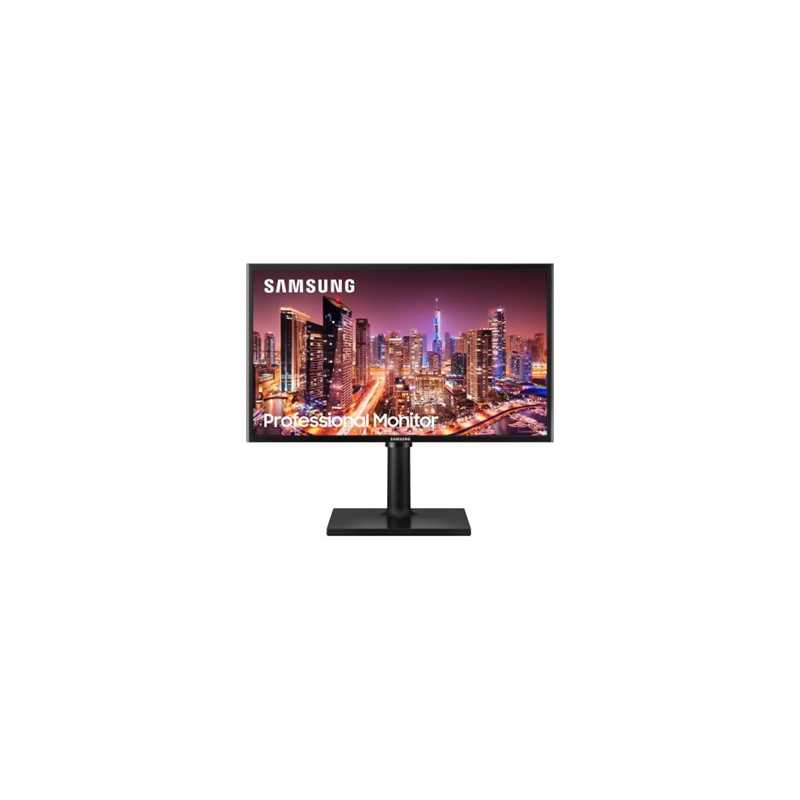
Samsung T40F 24" IPS Full HD LED D-Sub/HDMI 4ms 60Hz FreeSync Height Adjust Monitor
An even wider view Now, the whole team can see perfectly. The IPS panel preserves colour vividness and clarity across every inch of the screen. Work comfortably on the productivity-boosting wide display and see accurate tones and shades from 178 all around with no colour washing.
Designed for comfort Swivel it, tilt it, pivot it. Adjustability features make your workspace even more versatile. Bring more style to your office with the sleek, clean designVESA compatibility makes installation easy.
Ultra-smooth videos AMD FreeSync plays videos without screen tearing so nothing distracts you. Maximise your productivity and handle everyday tasks easily on the T40F.
See easily, achieve more Protected eyes stay focused through the whole shift. Advanced eye comfort technology reduces eye strain for heightened concentration and greater productivity. Flicker Free technology continuously removes tiring and irritating screen flicker, while Eye Saver Mode minimises blue light emissions.
Model
Monitor Size 24"
Screen Format IPS
Brightness 200cd/m2
Contrast Ratio 1000:1(Typ.), 700:1(Min)
Viewing Angle (H / V) 178/178
Response Time 4ms
Maximum Resolution 1920x1080 @ 60Hz
Colours 16.7M
Speakers No
Connections D-Sub HDMI 1.4
Power Source Power Supply AC 100~240V
Power Consumption (Max) 25W
Power Consumption (Typ) 16 W
Power Consumption (DPMS) Less than 0.3 W
Power Consumption (Off Mode) Less than 0.3 W
Power Consumption (Yearly) 23 kWh/year
Type External Adaptor
Regulations Windows 10 Certification
VESA 100x100
Height Adjustable 130.02.0mm
Tilt -3(2.0)~+25(2.0)
Swivel -45(-2,+0)~45(0,+2)
Pivot -1(-2,+0)~95.0(0,+2)
Dimensions (W x H x D) Set Dimension with Stand (WxHxD) 547.7 x 224.0 x 376.4 mm
Set Dimension without Stand (WxHxD) 547.7 x 40.6 x 320.7 mm
Package Dimension (WxHxD) 612.0 x 176.0 x 385.0 mm
Weight Set Weight with Stand 4.0 kg
Set Weight without Stand 2.5 kg
Package Weight 5.5 kg
Accessories Included HDMI Cable Power Cable Length 1.5M Quick Setup Guide